
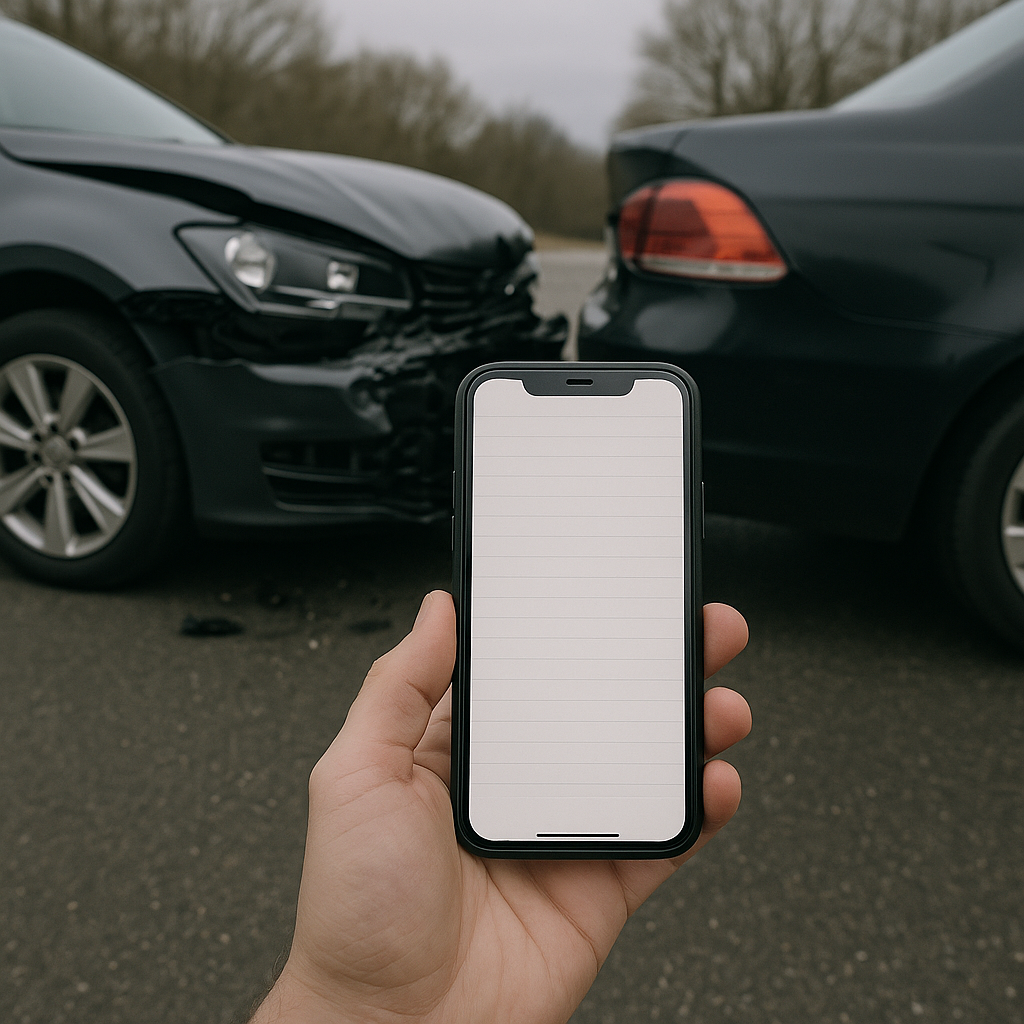
Using Your Phone Notes App to Record Crash Details
In today’s fast-paced world, unexpected situations like car accidents can occur at any moment. In the aftermath of a crash, capturing accurate and detailed information is crucial. One of the most accessible tools for this task is your phone’s notes app. This article explores how using your phone notes app to record crash details can be a practical and effective way to document the scene.
Overview of Accident Scene Documentation
When an accident occurs, the moments immediately following can be chaotic and stressful. Documenting the scene accurately can play a significant role in understanding the sequence of events and resolving any disputes that may arise later. The notes app on your smartphone is an invaluable tool for this purpose, as it allows you to quickly record essential details without the need for pen and paper.
The primary goal of documenting a crash is to capture a clear snapshot of the situation. This includes the physical environment, the condition of the vehicles involved, and anything relevant to the circumstances of the crash. By using your phone notes app to record crash details, you can create a clear, organized, and time-stamped record that could be vital in the future.
Common Evidence People May Capture
Here are some examples of the type of information you might want to record using your phone’s notes app:
– Date and Time: The exact date and time of the accident.
– Location: The precise location, including road names and landmarks.
– Weather Conditions: Details about the weather at the time of the crash.
– Road Conditions: Any notable details about the road, such as wet or icy conditions.
– Vehicle Descriptions: Make, model, color, and any identifying features of the vehicles involved.
– Damage Details: Descriptions of the damage to each vehicle and other property.
– Injuries: Any injuries sustained by drivers, passengers, or pedestrians.
– Witness Information: Names and contact details of any witnesses.
– License Plate Numbers: For all vehicles involved.
– Driver Information: Names, contact information, and insurance details of the other drivers.
– Notes on Behavior: Any behavior by the drivers or passengers that might be relevant.
Why Documentation Helps Preserve Clarity
Recording detailed information about a crash helps preserve clarity by creating an accurate record of the event. Memories can fade, and details can become blurred over time. Prompt and thorough documentation ensures that you have a reliable account to reference, should you need it later.
By using your phone notes app to record crash details, you also ensure that all information is kept in one place, making it easily accessible. This can be particularly beneficial during insurance claims or when discussing the incident with law enforcement. Having a well-organized record can make the process smoother and more efficient, reducing the likelihood of misunderstandings or errors.
Common Scene Documentation Challenges
While using your phone notes app to record crash details is beneficial, several challenges can arise. Awareness of these obstacles can help you mitigate them effectively:
1. Stress and Emotional Impact: The aftermath of an accident can be stressful and disorienting. It might be difficult to focus on collecting information accurately, leading to potential omissions or errors.
2. Technical Difficulties: Your phone might run out of battery, malfunction, or face other technical issues, hindering your ability to use the notes app effectively.
3. Privacy Concerns: Recording personal information, especially that of others involved in the crash, raises privacy considerations. It’s essential to use discretion and prioritize sharing information only with relevant parties.
4. Environmental Conditions: Poor lighting, adverse weather, or unsafe surroundings may impede your ability to document the scene thoroughly.
5. Lack of Experience: Not everyone is familiar with the best practices for documenting a crash. This can lead to inconsistent or incomplete records.
Understanding these challenges and preparing yourself mentally can greatly enhance your ability to effectively document a crash scene using your phone notes app.
Neutral Closing Paragraph
Utilizing your phone notes app to record crash details is a practical and efficient way to handle an unexpected situation. By capturing detailed and organized information, you help preserve clarity and create a reliable account that can be valuable for various reasons. However, staying mindful of the potential challenges and limitations can ensure that your documentation efforts are as effective as possible. Embracing this simple yet powerful tool can provide peace of mind in managing the aftermath of a crash.